Omnichannel Customer Support: A Practical Guide for 2026

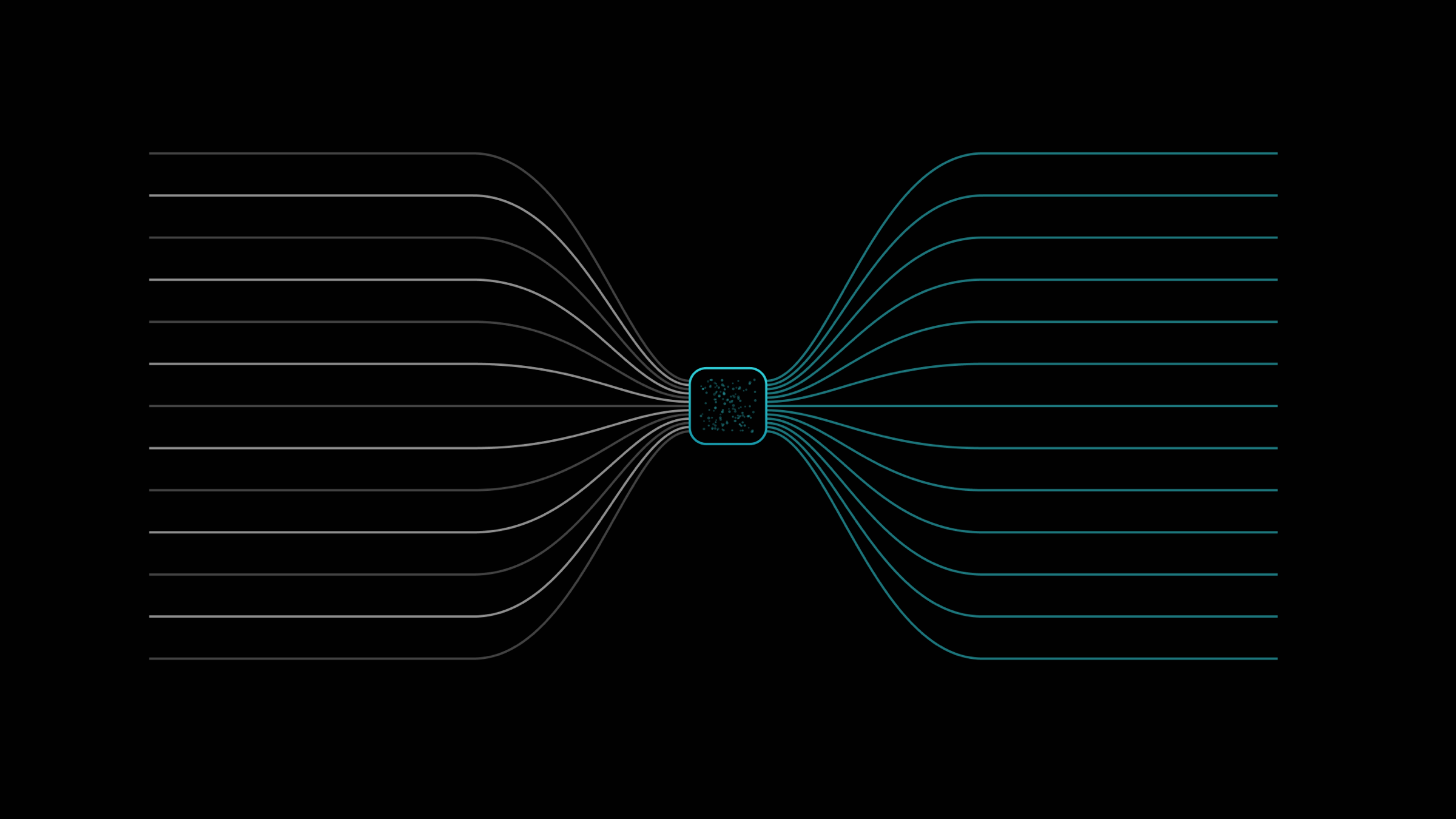
Omnichannel customer support means every channel a customer reaches you on (email, in-app chat, Slack Connect, your portal) feeds one queue with one shared customer record. Multichannel support runs the same channels as separate inboxes, so context fragments and customers repeat themselves. The work of going omnichannel is mostly consolidation: one inbox, one customer record, one set of metrics. This guide covers what omnichannel customer support is, the channels that matter for B2B SaaS, why unified context pays off, a numbered implementation plan, the metrics to watch, and how Productlane handles it with one inbox across channels.
Most teams already do support on more than one channel. A customer emails support, another pings your shared Slack Connect channel, a third opens the in-app widget, and a fourth files a request in your portal. The question is whether those channels land in one place with one history, or in four disconnected tools that each know a quarter of the story. Omnichannel customer support is the first arrangement. Multichannel is the second.
The distinction sounds like marketing semantics, and for a long time it was. But the gap shows up in the day-to-day: a customer who explained their setup over email last week shouldn't have to re-explain it when they ask a follow-up in Slack today. This article walks through what omnichannel customer support means in practice, which channels actually matter for B2B SaaS, and a concrete plan to unify them without losing the context that makes support feel personal.
What omnichannel customer support actually means
Omnichannel customer support is a model where every channel a customer uses to reach you resolves into a single, shared context: one inbox, one customer record, one conversation history. The customer picks the channel; the team sees one continuous thread regardless of how the message arrived. The word that does the work is "one." One queue to triage from. One record that holds every prior exchange. One view of the customer's account, plan, and open issues.
The contrast is multichannel support, which offers the same set of channels but keeps them in separate silos. Email lives in a help desk, chat in a widget tool, Slack in Slack, and the portal somewhere else. Each tool is competent on its own. The cost is at the seams: an agent answering a Slack message has no idea the same customer opened a ticket by email two days ago, so the customer repeats themselves and the team duplicates work.
| Dimension | Multichannel | Omnichannel |
|---|---|---|
| Channels | Several, run separately | Several, run as one |
| Customer record | One per tool | One, shared across channels |
| Queue | One inbox per channel | One unified queue |
| Customer experience | Repeats context per channel | Picks up where they left off |
| Reporting | Per-tool metrics, stitched by hand | One set of metrics across channels |
Put simply: multichannel is about reach, and omnichannel is about continuity. You can be on five channels and still be multichannel if those channels don't share a brain. The shared brain is the whole point.
The channels that matter for B2B SaaS
B2C support optimizes for volume across many channels, including phone, WhatsApp, and social DMs. B2B SaaS support has a narrower, deeper set. Four channels carry almost all of it.
Still the backbone. It's where formal requests, longer threads, and anything involving a stakeholder who isn't the daily user land. Email is asynchronous and threaded, which suits B2B issues that take a few rounds to resolve. An omnichannel setup treats an email thread as one conversation in the shared record, not a separate inbox the rest of the team can't see.
In-app chat and widget
The closest channel to the moment of friction. A user hits a snag in your product and asks right there, with the page and session already as context. The widget is also where self-serve and live help meet: an AI agent and a help center can resolve the common questions before a human ever sees them. Productlane's in-app widget ships in 47 languages, so a user in Tokyo and a user in Berlin both read it in their own.
Slack Connect
For B2B, Slack Connect is often the highest-trust channel. Your larger accounts want a shared channel where their team can ping yours directly. The risk is that those conversations live entirely in Slack, invisible to your support metrics and disconnected from the customer's email history. An omnichannel inbox pulls Slack messages into the same queue as everything else, so a Slack thread counts, gets assigned, and links to the same customer record. See our take on running support through Slack for the trade-offs.
Customer portal
The portal is where customers go on purpose: to file a request, check a roadmap, upvote a feature, or read the changelog. It's structured, public, and great for deflection. A support portal that shares a record with email and chat means a feature request filed in the portal connects to the same account's open tickets, and a reply there shows up in the unified queue.
Phone matters for some B2B teams, but for most SaaS the four above carry the load. The principle holds regardless: pick the channels your customers actually use, then make sure they feed one place.
Why unified context is the whole point
Adding channels is easy. Unifying them is the part that changes how support feels. Three things follow from one shared customer record and one queue.
Customers stop repeating themselves
When the history travels with the customer, the person answering a Slack message can see the email thread from last week and the in-app session from this morning. The customer explains their problem once. That single change accounts for most of the perceived quality jump from going omnichannel.
The team works one queue
One queue means one place to triage, assign, and measure. Nothing slips because it arrived on a channel someone forgot to check. A shared inbox built this way also makes coverage simple: the next available agent takes the next item, whatever channel it came from.
AI gets the full picture
An AI agent is only as good as the context it can read. Point it at a unified record and it can resolve questions using the customer's full history plus your help center, rather than guessing from a single isolated message. On Productlane, the AI agent handles 65.3% of the conversations it joins end to end, charged only when it resolves one (about $0.79), because it works from the same shared context a human would.
Your support inbox, built on Linear
An AI agent answers from your help center, and every bug becomes a Linear issue.
Sign upA practical plan to go omnichannel
You don't have to rebuild everything at once. The fastest path is consolidation, channel by channel, into one record and one queue. Here is the order that tends to work.
- Map your channels and volume. List every channel customers actually use to reach you and roughly how much each carries. You'll usually find two or three channels dominate. Those are the ones to unify first; the long tail can wait.
- Pick one inbox as the source of truth. Choose the tool that will hold the unified queue and customer record. The deciding question is which platform can ingest your top channels into one shared context, not which has the longest feature list.
- Unify the customer record. Before wiring channels in, decide what one customer record contains: identity, company, plan, and a single conversation history. Every channel you connect should write to this record, not its own copy.
- Connect email first. Email is the highest-volume channel for most B2B teams and the easiest to route. Point your support address at the unified inbox and confirm threads attach to the right customer record.
- Add the in-app widget and help center. Put a widget in the product so users can ask in context, and back it with a help center so common questions self-serve. This is where deflection and AI resolution do the most work.
- Bring Slack Connect into the queue. Connect your shared Slack channels so messages land in the same queue as email and chat, get assigned, and count toward your metrics instead of disappearing into a side conversation.
- Wire the portal to product. Connect your support portal so feature requests and public threads share the same record. Closing the loop here links support to the roadmap and changelog your customers already read.
- Set one set of metrics. Once channels feed one queue, measure across all of them together. Per-channel dashboards stitched by hand are the symptom of a setup that's still multichannel underneath.
Metrics to watch
Omnichannel support pays off in numbers you can track across the whole queue, not per channel. The ones worth a dashboard:
First response and resolution time
Measure both across every channel together. If Slack messages resolve in an hour and email takes two days, the gap usually points to a channel that isn't fully in the queue.
Self-serve and AI resolution rate
The share of conversations resolved without a human, by the help center or the AI agent. On Productlane the agent settles 65.3% of the conversations it joins end to end. A rising rate here is the clearest sign your context and help center are doing their job.
Reopen rate and repeat contacts
How often a customer comes back for the same issue, on the same or a different channel. A unified record drives this down, because the next agent sees what already happened.
Channel mix over time
Watch how volume shifts between channels. As the widget and help center mature, you often see email volume fall and self-serve climb, which frees the team for the harder threads.
How Productlane does omnichannel
Productlane is built around one inbox across channels. Email, the in-app widget, Slack Connect, Microsoft Teams, and the customer portal all feed a single queue backed by a shared customer record, which is the definition of omnichannel support rather than four parallel tools.
The inbox runs on Zero, the local-first sync engine, so it responds in under 100 milliseconds and feels instant whichever channel you're reading. The in-app widget ships in 47 languages, so a global user base reads support in their own language without extra setup. The AI agent closes 65.3% of the conversations it joins on its own, billed per resolution at about $0.79 each, working from the same unified context and your self-updating help center.
For engineering-led teams, the Linear loop closes the gap between support and product. Tickets link bidirectionally to Linear, the AI files scoped issues from a conversation, and when the issue ships the closing reply is auto-drafted back to the customer on whatever channel they wrote in. If you run on Linear, our B2B customer support guide and our AI ticketing system guide go deeper on that workflow. Seats start at $29 per user each month on the annual plan; full details are on the pricing page.
Frequently asked questions
Omnichannel customer support is a model where every channel a customer uses to reach you (email, in-app chat, Slack Connect, your portal) resolves into one shared context: a single inbox, a single customer record, and one continuous conversation history. The customer picks the channel; the team sees one thread regardless of how the message arrived.
Multichannel support runs several channels as separate tools, each with its own inbox and customer record, so context fragments at the seams. Omnichannel support runs the same channels through one queue and one shared record, so the history follows the customer. The difference is continuity, not the number of channels.
For most B2B SaaS teams, four channels carry the load: email for formal and threaded requests, the in-app widget for in-context questions, Slack Connect for high-trust accounts, and the customer portal for feature requests and self-serve. Phone matters for some teams, but the four above cover the majority of volume.
A single shared customer record means customers stop repeating themselves, the team triages from one queue so nothing slips, and an AI agent can resolve questions using the customer's full history plus your help center. Unified context is what makes omnichannel feel personal rather than just broad.
Consolidate channel by channel into one record and one queue: map your channels and volume, pick one inbox as the source of truth, unify the customer record, connect email first, add the in-app widget and help center, bring Slack Connect into the queue, wire the portal to product, and measure with one set of metrics across all channels.
Track first response and resolution time across all channels together, self-serve and AI resolution rate, reopen rate and repeat contacts, and channel mix over time. Measuring across the whole queue rather than per channel is the point of going omnichannel.
Yes. Productlane feeds email, the in-app widget, Slack Connect, Microsoft Teams, and the customer portal into one queue backed by a shared customer record. The widget ships in 47 languages, the inbox runs on Zero for sub-100ms response, the AI agent closes 65.3% of the conversations it joins on its own at roughly $0.79 each, and tickets link bidirectionally to Linear.
One inbox across every channel
Omnichannel customer support comes down to one queue, one customer record, and one set of metrics across every channel your customers use. Productlane brings email, the in-app widget, Slack Connect, Microsoft Teams, and the portal into that single context, with an AI agent and a self-updating help center on top and a Linear loop that closes the gap to product.
See how it fits your stack on the Productlane homepage, or compare plans on the pricing page. Seats begin at $29 per user each month on the annual plan.
Make your customer support autonomous
- Customer support built for companies using Linear
- An AI agent that fully resolves customer tickets
- A help center that writes itself from your threads